Selvect services & dashboards
From customers and quotations to jobs, stock, payments and people. Explore what each dashboard does and how your company’s records connect.
A place for every part of your business
Your dashboards. One connected company.
Five core dashboards, a personal My Work area and an optional Company overview. Access follows your package, company settings and role.
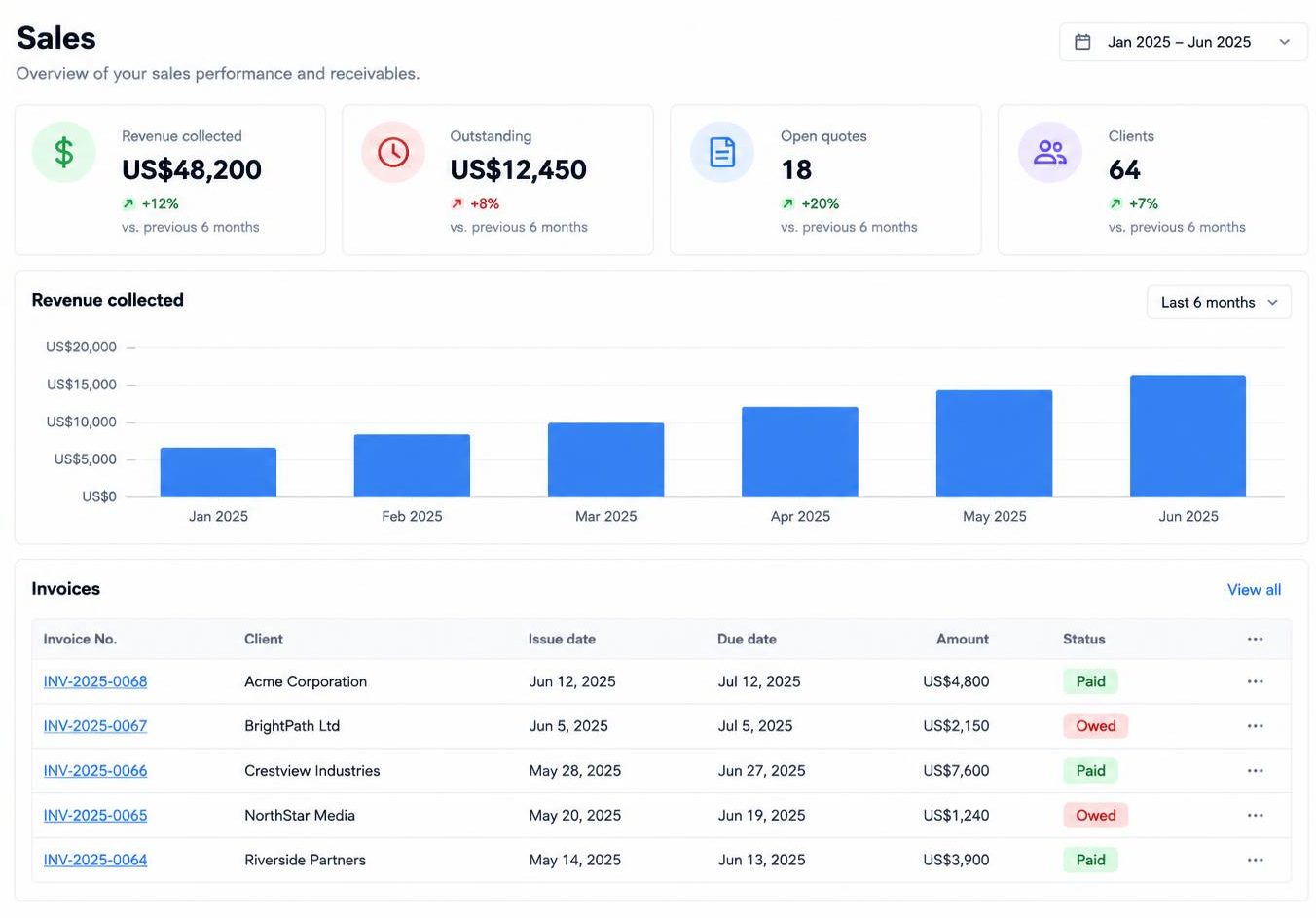
Sales
Follow the customer relationship from the first enquiry to the final receipt.
- Save client contacts, build quotations and manage approval and follow-up statuses.
- Track invoice totals, paid amounts and balances; record full or partial payments and receipts.
- Download branded quotations, sales orders, invoices and receipts with the creator’s saved document details.
- Keep capital and expense records, view collections and outstanding amounts, and share private customer portal links.
Approved quotations connect to sales orders, jobs and draft invoices. Customer portal responses remain requests for staff review.
Clients
Quotations
Sales orders
Invoices
Receipts
Price guide
Terms and conditions
My document details
Capital
Expenses
Leads & pipeline
How the work connects
From the first quote to the final payment.
01
Client & quotation
Sales records the client, prepares a quotation and follows its status.
02
Staff approval
Authorised staff approve work, linking it to sales orders, jobs and draft invoices.
03
Job & stock
Workshop and Field track delivery. Stock-linked invoices deduct items when they leave draft.
04
Payment & receipt
Record payments, including partial payments, and issue receipts against the invoice.
05
Books & performance
Review mapped financial records in Accounting and company trends in Company overview.
Teams still review, approve and record their work. Which stages you use depends on your business and enabled dashboards.
For your customers, too
Keep customers in the loop.
Share a private customer portal link from Sales → Clients. Your customer sees their issued documents and progress, without entering your team’s workspace.
Explore servicesOne private link
Company- and client-specific links expire after 30 days and can be revoked by staff.
Documents & project updates
Clients view issued quotations, invoice balances, confirmed receipts, shared updates and PDF downloads. Drafts and internal notes stay private.
You stay in control
Quotation responses go to staff for review. Optional invoice payment links use your company’s configured checkout, not Selvect subscription billing.
Built around your company
The tools around the dashboards.
Company settings
Set your industry, country, business details, logo and colours. Configure product lines, work types, document details and available dashboards.
Your people & permissions
Owners and Management invite people by email, or share invitations through WhatsApp. Assign dashboard roles and manage company memberships without sharing an account.
Documents & backups
Download branded sales PDFs and available dashboard exports. Owners and Management can create a company backup before making major changes or deleting information.
Good to know
Questions before you start?
Ready when you are
Start your company’s next chapter.
Seven days to try Selvect. Choose a package that fits your team.